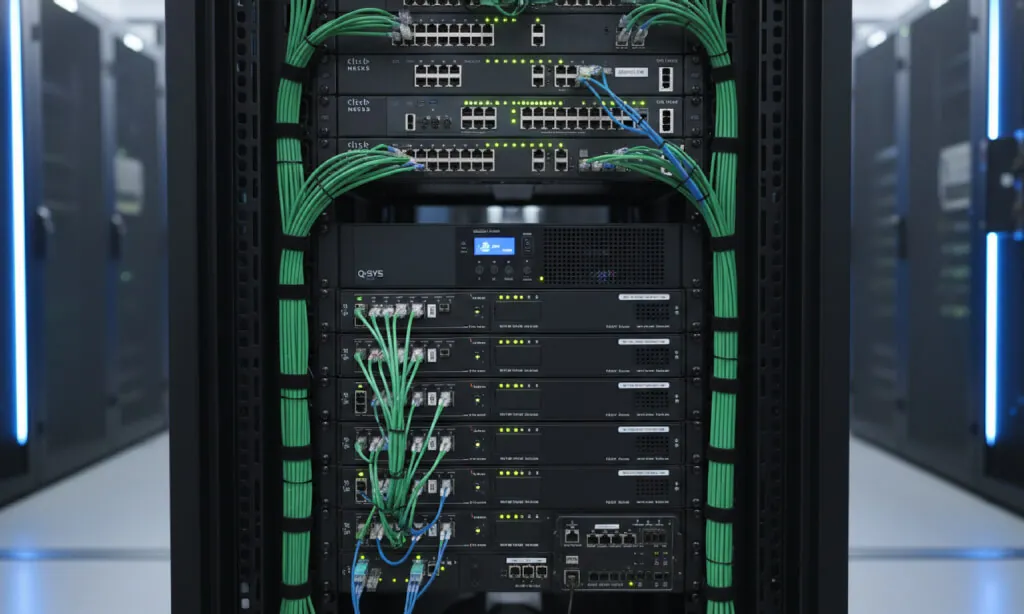
Network Infrastructure
Modern meeting rooms run on the network. We design the AV side of it with your IT team or MSP, so rooms work reliably on the network you already have, and your team can support them.
What we do
Video bars, microphones, touch panels, cameras and audio processors are all network devices now. When the network isn't planned for them, you get choppy audio, cameras that drop out and rooms that only work some of the time.
We plan the AV network with your IT team or MSP, not around them. We speak their language, respect their security policies and leave them clear documentation, so the rooms are something they can support rather than a mystery on their network.
What we cover
Network design for AV
- VLAN design that separates AV, control and corporate traffic
- QoS so audio and video get priority over everything else
- Multicast and IGMP planning for Dante, AES67 and AV-over-IP video
- IP addressing and naming plans for every device
Switches and power
- Switch selection for the AV load, with or without a dedicated AV network
- PoE budgeting, so every camera, microphone and touch panel gets the power it needs
- Uplinks and capacity planned for growth
Security and access
- Device hardening, credentials and firmware policies agreed with your IT team
- Firewall and port requirements for Teams, Zoom and cloud management platforms
- Secure remote access for support, on your terms
Documentation your IT team can use
- Network diagrams and switch configurations for every room
- A device list with IP addresses, VLANs and ports
- Notes on what's normal for AV traffic, so it isn't mistaken for a problem
Choosing a switch for AV?
Our free Netgear Switch Finder compares every current fully managed Netgear M4250, M4300, M4350 and M4500 switch by ports, PoE budget and uplinks, with a PoE calculator built in.
Get your AV network reviewed
Start with a free room assessment. We'll look at how your rooms sit on the network and where the risks are.