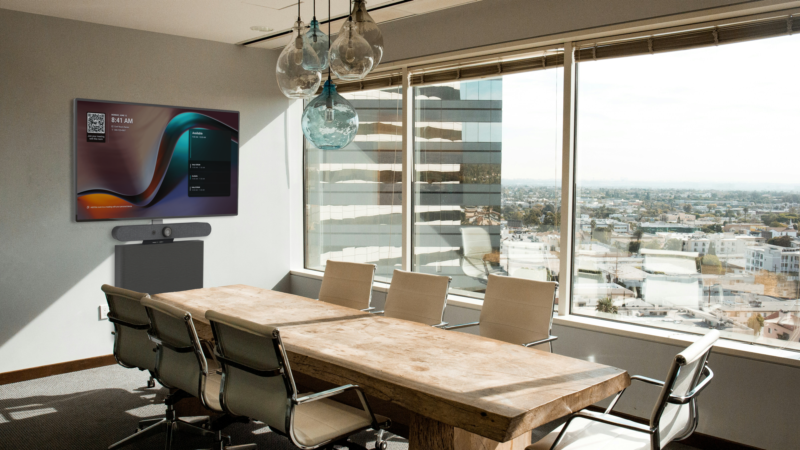
I went into the Yealink showroom curious. Their name keeps coming up in RFPs, their video bars are flooding Microsoft Teams Rooms tenders, and clients keep asking whether they should spec Yealink instead of Logitech or Cisco. So when Sandy and Sherry invited me to walk through their flagship showroom in Xiamen, I took them up on it and brought a long list of questions.
Short version: Yealink is not just “a cheaper Logitech.” In some areas they’ve leapfrogged the competition. In others, they still have work to do. If you’re evaluating Yealink for Microsoft Teams Rooms or a multi-camera boardroom, here’s what I saw.
Cable management and fit-and-finish: Logitech still wins
This is where my inner cable-management snob comes out. Logitech has done something genuinely impressive with their industrial design. The cable routing, the mounting choices, the way a video bar sits flush against a display — it all feels considered. Details matter, and in a premium boardroom those details are the difference between “installed” and “premium.”
Even in Yealink’s brand-new flagship showroom, I noticed a couple of cable runs coming out of a video bar and disappearing behind the display. For most end users, that’s invisible. For anyone who builds meeting rooms for a living, it’s a tell. To be fair, Cisco isn’t much better here, and they charge considerably more for the privilege.
If your executives walk into a room and notice the cables, the rest of the system is starting from behind. Polish is not a luxury — it’s part of the product.
Where Yealink beats Logitech: camera AI and presenter tracking
If cable management was where Yealink lost points, camera AI is where they genuinely surprised me. Their presenter tracking felt effortless in a way that usually takes hours of programming to achieve on other platforms.
Here’s how it behaved during my hands-on test:
- Raise your hand and the camera locks onto you quickly and smoothly.
- Walk out of frame and come back in, and it reacquires you cleanly — without wandering or getting confused.
- Make a fist and tracking releases, so the camera returns to group framing.
- You can define tracking zones in software, which matters when you need to mask doors, side aisles, whiteboards, or other distractions.
This is the kind of behaviour that makes a real difference in training rooms, classrooms, and boardrooms where presenters actually move around. Historically, getting a camera to behave this well meant a premium PTZ, a third-party tracking engine, and a serious Q-SYS or control-system programming budget. Seeing it work this well out of the box changes the math on a lot of room designs.
Microsoft Teams Rooms and the 10-year story
Sandy and Sherry handed me some swag marking 10 years of Yealink collaborating with Microsoft. I don’t normally care about branded tote bags, but in this case it’s a useful signal. A decade of certified development means their Teams Rooms firmware, touch controllers, and video bars aren’t a side project — they’re a core roadmap item.
That matters because the reliability reputation of Chinese AV hardware has been uneven. What I saw at Yealink was a company that’s clearly invested in long-term compatibility with the major UC platforms, not just building boxes to a spec sheet.
The pricing elephant in the room
Let’s be honest: price is a real factor. Yealink’s hardware lands meaningfully below equivalent Logitech or Cisco kit, and for budget-constrained projects that’s decisive. Where it gets interesting is when you compare mid-range Yealink against entry-level Logitech. In that bracket, Yealink often gets you more features — especially around camera AI — for the same spend.
That’s not a free pass. Total cost of ownership also depends on commissioning time, firmware updates, and how cleanly a product integrates with your existing DSP and control stack. But on the hardware invoice alone, Yealink is hard to ignore.
Would I spec Yealink for a client?
Yes — in the right room. If the brief calls for confident camera tracking, a tidy Microsoft Teams Rooms experience, and a reasonable budget, Yealink belongs on the shortlist. For huddle rooms they have clean all-in-one bars; for large boardrooms they’ve got multi-camera workflows that play nicely with third-party DSP and audio.
Where I’d still lean Logitech is flagship executive spaces where fit-and-finish is non-negotiable and the cable runs are visible from every seat. And where I’d lean neither is when the real issue is the room itself — bad acoustics and weak system design can’t be fixed by switching brands.
Thinking about Yealink for your next meeting room?
If you’re weighing Yealink against Logitech for a Vancouver boardroom or a multi-room rollout, I’m happy to give you an unbiased read on where each brand fits your use case. As an independent, brand-agnostic consultant I have no vendor quotas — I just help you spec the right one. Get a free room assessment and we’ll talk through your rooms, your budget, and your existing stack.