Every AV consultant gets the same call. "The boardroom is broken again." The executive assistant is rebooting the room for the third time this week. IT has already replaced the camera, swapped the HDMI cable, and filed a ticket with Microsoft. The finance team is starting to ask how much a full rip-and-replace would cost.
Nine times out of ten, the hardware is fine. The problem is somewhere else — and if you can figure out where, you can save tens of thousands of dollars and a lot of user frustration. Here's the triage list we use on every troubleshooting engagement in Vancouver, in the order we check.
1. The network is the most common culprit
Modern AV systems are IT systems. Your Microsoft Teams Rooms console, your Q-SYS Core, your Dante audio network, and your PoE cameras all share the same cabling, the same switches, and the same policies. When any of those change — a firmware update on a switch, a new VLAN from security, a QoS rule that got stripped during a migration — your AV gets weird.
What to check first:
- Are the AV devices on the VLAN they were commissioned on?
- Is multicast still enabled where it needs to be (especially for Dante and AV-over-IP)?
- Were QoS rules preserved through the last firewall or switch upgrade?
- Is there PoE budget headroom on the switch, or has someone added five more APs to it since install?
A boardroom that "randomly" drops audio is almost always a network multicast or PoE problem. Rebooting the audio DSP makes it come back for a day, but it'll be back by Friday.
2. Firmware drift
Every device in a meeting room has firmware: the display, the camera, the codec, the DSP, the control processor, the touch panel. When you commissioned the room two years ago, those firmware versions were tested together. Today, half of them have auto-updated, and the other half haven't. That mismatch is where glitches live.
Keep a firmware matrix — a simple spreadsheet of what version every device is running — and check it quarterly. If you don't have one, that's the first thing to build.
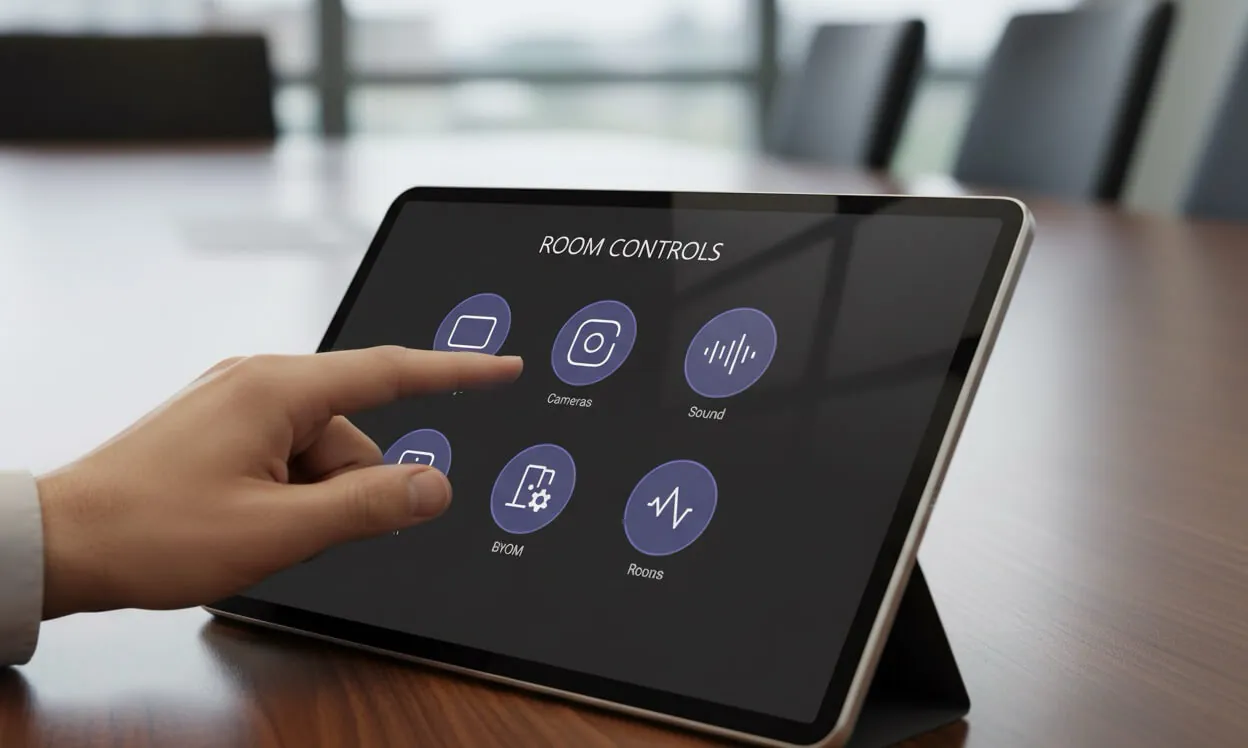
3. The UCI is hiding a real problem
The touch panel is the most visible part of an AV system, so when something breaks, the user blames it. But the UCI is just the messenger. If pressing "Start Meeting" does nothing, the problem is almost always one layer below: a control script that timed out waiting for a device response, a credential that expired, or a preset that references a device that's been replaced.
A well-built Q-SYS UCI will tell you what failed — not just that something did. If your panel just shows "Error, try again," that's a programming gap worth closing. Good Lua automation logs the actual failure, shows the user a useful next step, and alerts IT before the user has to call.
4. Room design that was wrong from day one
Some rooms aren't failing — they were designed to fail, and we just didn't notice for a while. The symptom is usually audio: far-end callers say "you sound like you're in a tunnel," or local users say "we can't hear the remote team." The cause is usually one of these:
- No acoustic treatment in a room with glass walls and a long table
- Ceiling mics positioned over the table edge instead of the centre
- A single speaker trying to cover a room that needs four
- A camera mounted at 7 feet in a room where people sit at 4 feet
These don't get better with a firmware update. They get better with a redesign, even a minor one, that addresses the physics of the space. The good news: most of these fixes cost a fraction of a full room replacement.
5. No one owns the room
This is the meta-problem. IT owns the network. Facilities owns the room. AV integration was a one-time project three years ago, and the integrator is no longer under contract. So when the camera drifts out of focus or the touch panel's certificate expires, there's no clear owner. Tickets bounce between teams until someone escalates, and by then the room has been "broken" for a week.
Every meeting room needs a single point of responsibility — usually someone in IT who owns the AV stack the same way they own endpoints or networking. If that person doesn't exist on your team, that's where a fractional AV consulting relationship pays for itself.
The 30-minute triage you can run today
- Pull up the failing room's device list. Write down current firmware for every component.
- Check VLAN, multicast, and QoS on the switch port the AV gear is connected to. Compare to commissioning docs.
- Open the room's Q-SYS or control system logs. Look for errors in the last 7 days — not just the time of the latest complaint.
- Walk into the room with the exact call type the user is complaining about and watch what the UCI actually does.
- Ask one user to describe the failure in their own words. "It doesn't work" is not a failure report. "The remote people can hear us but we can't hear them" is.
Most of the time, one of those five steps will point at the real problem. If you run through them and you're still stuck, it's probably time to bring in an independent pair of eyes.
Need a second opinion on a troublesome room?
We help Vancouver teams triage flaky meeting rooms every week — often solving problems that integrators have been chasing for months. If your AV system is failing and you're tired of guessing, get a free room assessment. We'll tell you whether it's a fixable programming issue, a network problem, or a design that was wrong from day one, and what it would take to make it right.