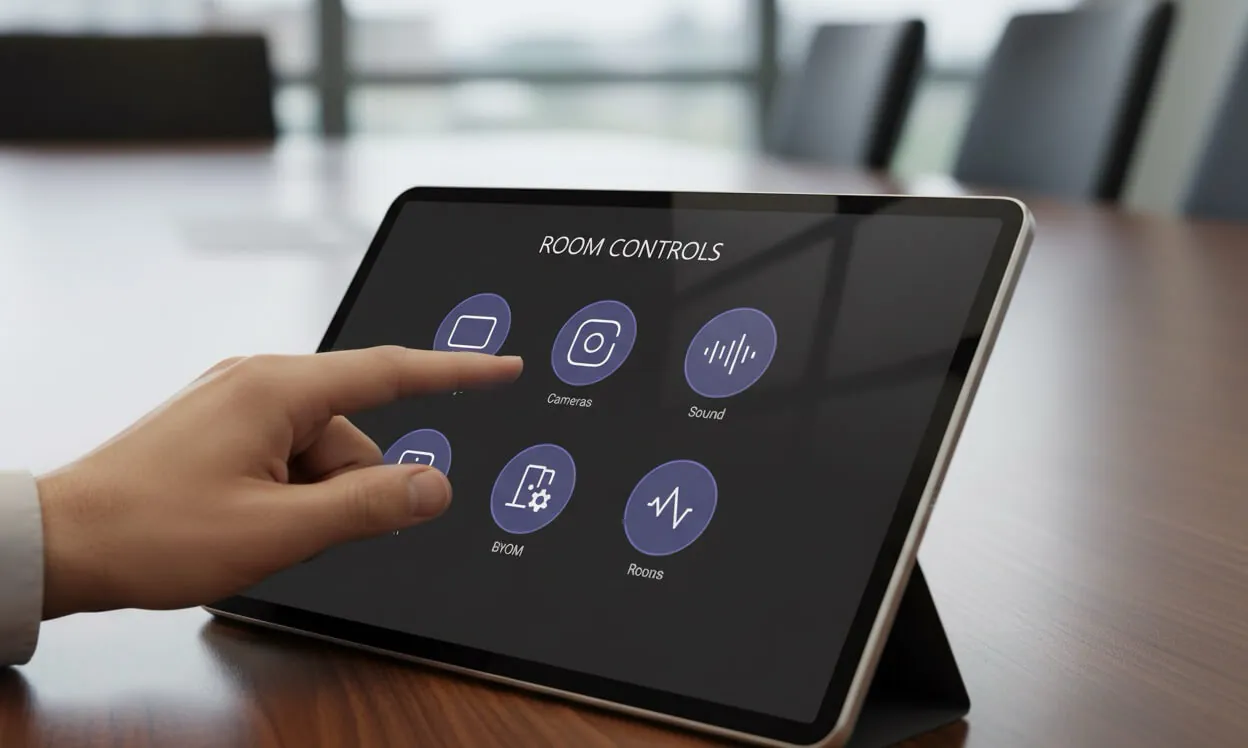
Good meeting room UX is invisible. You walk in, you push one button, the meeting starts. That's it. No input switching, no "wait for it to warm up," no choosing between four remotes. If the user has to read something to use the room, the design has already failed — it just hasn't admitted it yet.
I see this all the time in Vancouver offices. A brand-new room, six-figure install, gorgeous display, premium DSP — and a crumpled printout on the table explaining how to start a Teams call. Everybody has quietly accepted that meeting rooms just work this way. They don't. They shouldn't.
The laminated sheet is a diagnostic
Every piece of printed instruction in a meeting room is a bug report. It's the room telling you, in the most polite way possible, that the design couldn't do its job and a human had to step in.
Think about what a cheat-sheet actually implies. The integrator handed over a system that couldn't be used without training. Someone in IT got enough "this isn't working" tickets that they wrote a manual. That manual got printed, laminated, and taped down. And now every new employee walks into the room and experiences AV as something you have to learn — not something that just works.
If that's your room, you don't have a training problem. You have a design problem.
Nobody reads the laminated sheet. They push buttons until something happens, or they give up and use their laptop. Either way, the meeting starts late and the room has lost.
The Apple test
I keep coming back to this: nobody gets a manual with their iPhone. You take it out of the box, turn it on, and it tells you what to do next. Every step is obvious. Every button does one thing. You never wonder what mode you're in.
That's the bar. Not because Apple is magic, but because they decided, deliberately, that the user should never have to think about the product. They built the complexity into the product so the user doesn't have to carry it. Good meeting room AV should work the same way. The complexity belongs inside the Q-SYS Core, not on top of the table.
What a good UCI actually looks like
When I design a Q-SYS UCI, I work from a simple rule: the user should never have to make a decision the system can make for them. Some of what that means in practice:
- One primary button: "Start Meeting." That's the default. Everything else is a second-level option
- No input selection unless there are genuinely multiple sources in play. If there's only one laptop cable, don't make people choose
- The room powers up when someone walks in, and powers down when the room is empty. Motion sensors exist for a reason
- Error messages that tell the user what to do next, not what went wrong internally
- Volume, mute, camera controls where the hand naturally reaches — not buried three screens deep
- Consistent layouts across every room in the building, so learning one room means you know them all
None of that is exotic. It's just the result of treating the user — not the hardware — as the centre of the design.
If the user has to think, you've failed
This is the line I come back to on every project. The test isn't whether the room technically works. The test is whether an executive who hasn't been in this room before can walk in, take a seat, and have the meeting running in 10 seconds without asking anyone for help.
If the answer is yes, the design is good. If the answer is no — if they have to squint at the panel, or ask the assistant, or go find IT — the design has failed. Doesn't matter how expensive the gear is. Doesn't matter how elegant the spec sheet looks. The point of a meeting room is the meeting. Anything the room makes the user do instead of meeting is a failure.
Who's responsible for fixing it
The honest answer: it's almost never the people who use the room. They're just dealing with what they were handed. The responsibility sits with whoever designed and programmed it. That's why I take UCI design so personally — because most of the frustration people feel with AV is avoidable, and it's avoidable at design time, not after the fact.
Integrators who hand over a system with a printed cheat-sheet are handing over unfinished work. It's not mean to say that; it's accurate. A room isn't done when the equipment is installed. It's done when a first-time user can operate it without instruction.
Pull down the laminated sheet
If there's a printed instruction anywhere in your boardroom, that's your sign. Not that your people need more training — but that your room needs a better interface. Most of the time this is a programming and UCI problem, not a hardware problem. You don't need to rip out the gear; you need to redesign the layer the humans actually touch.
If you're in Vancouver or the Lower Mainland and your meeting rooms come with a manual, we can help. We rebuild Q-SYS UCIs and redesign rooms around how people actually use them — not how the gear happens to be wired. Get a free room assessment and we'll take a look at one of your rooms, pull off the laminated sheet, and figure out what the design should have been from day one.